
How to make a Burning Bridges AI video
Use one photo to put yourself in the Burning Bridges party scene. Sign in, buy generation credits and use 1 credit for each 23-second video. Credit purchases are not available yet.
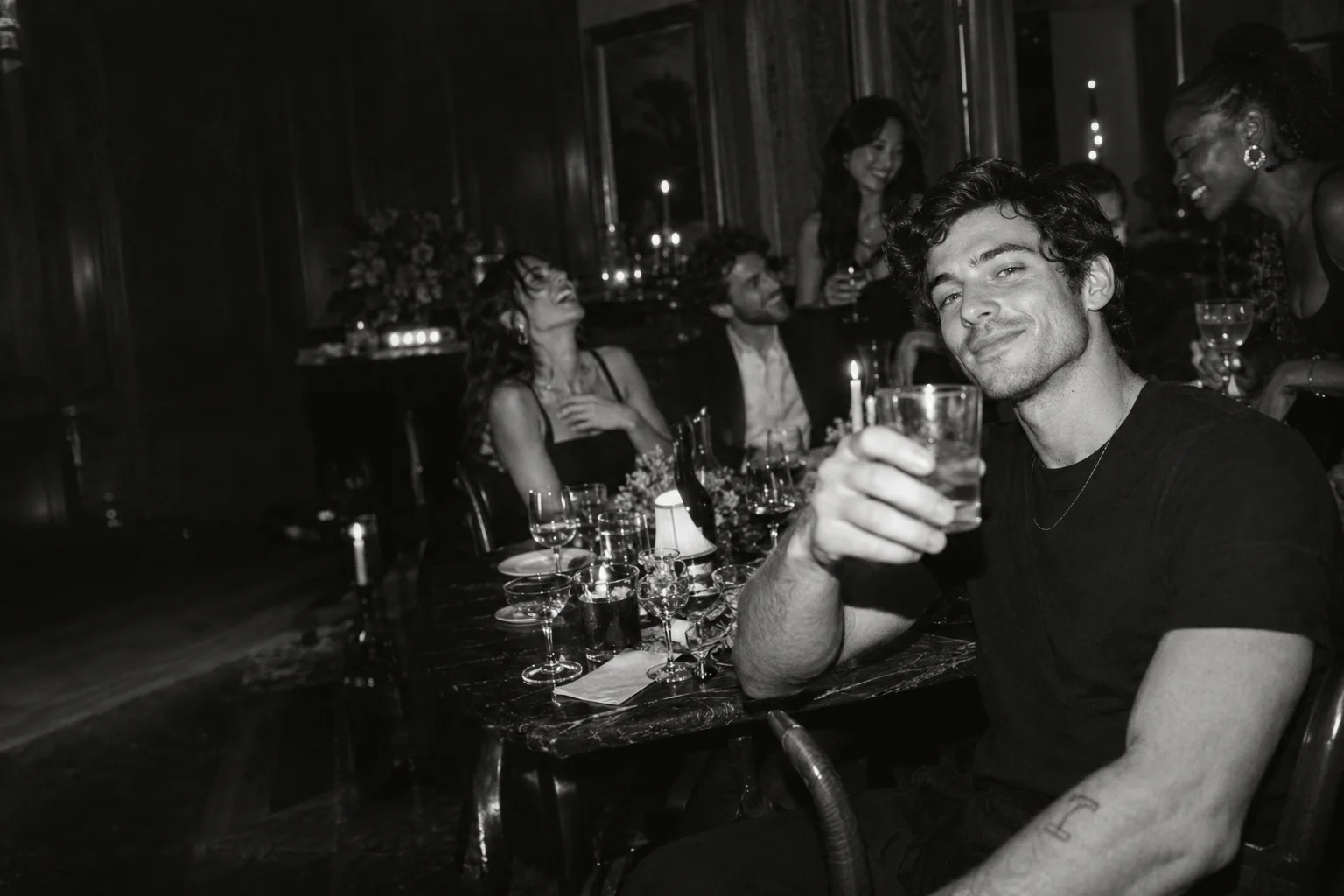
1. Pick one clear portrait
Use a sharp JPG or PNG of one person, up to 10 MB and at least 300 pixels on each side. Show the face, hair and outfit you want in the video. Avoid sunglasses, heavy filters and hands covering the face. The studio preserves your photo’s framing.
2. Upload and check your photo
Drop your photo into the upload area and check the preview. Make sure the right person is clearly visible. You can remove the photo and choose another before creating your video.
3. Confirm your photo and start generation
Sign in with Google and buy a generation credit pack. Once payment is confirmed, the credits appear in your account. Confirm that you have permission to use your photo, then choose Create my video. Each video uses 1 credit. Your photo is only uploaded after you confirm. Purchases are not available yet.
4. Follow progress and review the result
Keep the studio tab open to follow progress. If the page reloads, sign in to the same account and return to that tab to check your video. If your connection drops, choose Check video status again before submitting another request.
Play the full video and check the face, hands, clothing and movement. AI results can vary, even with the same photo. Save your finished video within 24 hours of submission.
5. Review the sound before sharing
The final video retains the 23-second reference audio. You can replace it with a track available in TikTok, Instagram or your editing application. Check the permitted use for your account and region, especially for commercial posts. Label the final clip as AI-generated so viewers understand what they are seeing.
If something looks wrong
A clear, evenly lit portrait helps preserve identity. Resolution alone does not correct changed faces, inaccurate movement or a visible transition. Review the full video before sharing it.
Start with your photo →