Choose your photo
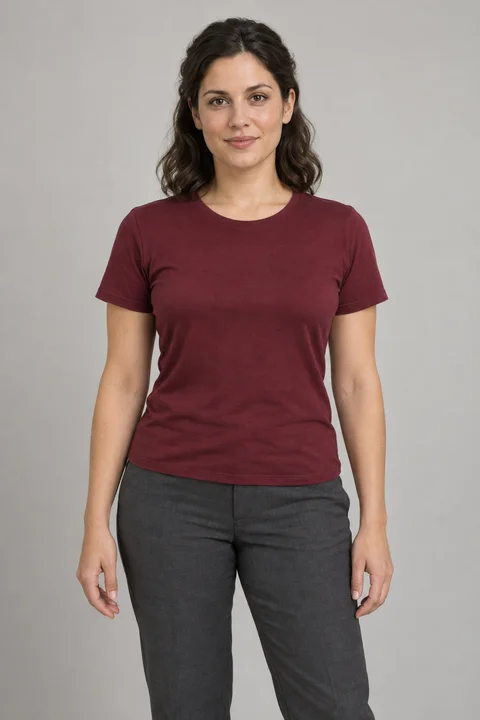
One person, a clear face, a little room to move. A chest-up shot is a great place to start.

Turn your photo into a Burning Bridges AI video. Step into the party scene with the original moves and your own look.
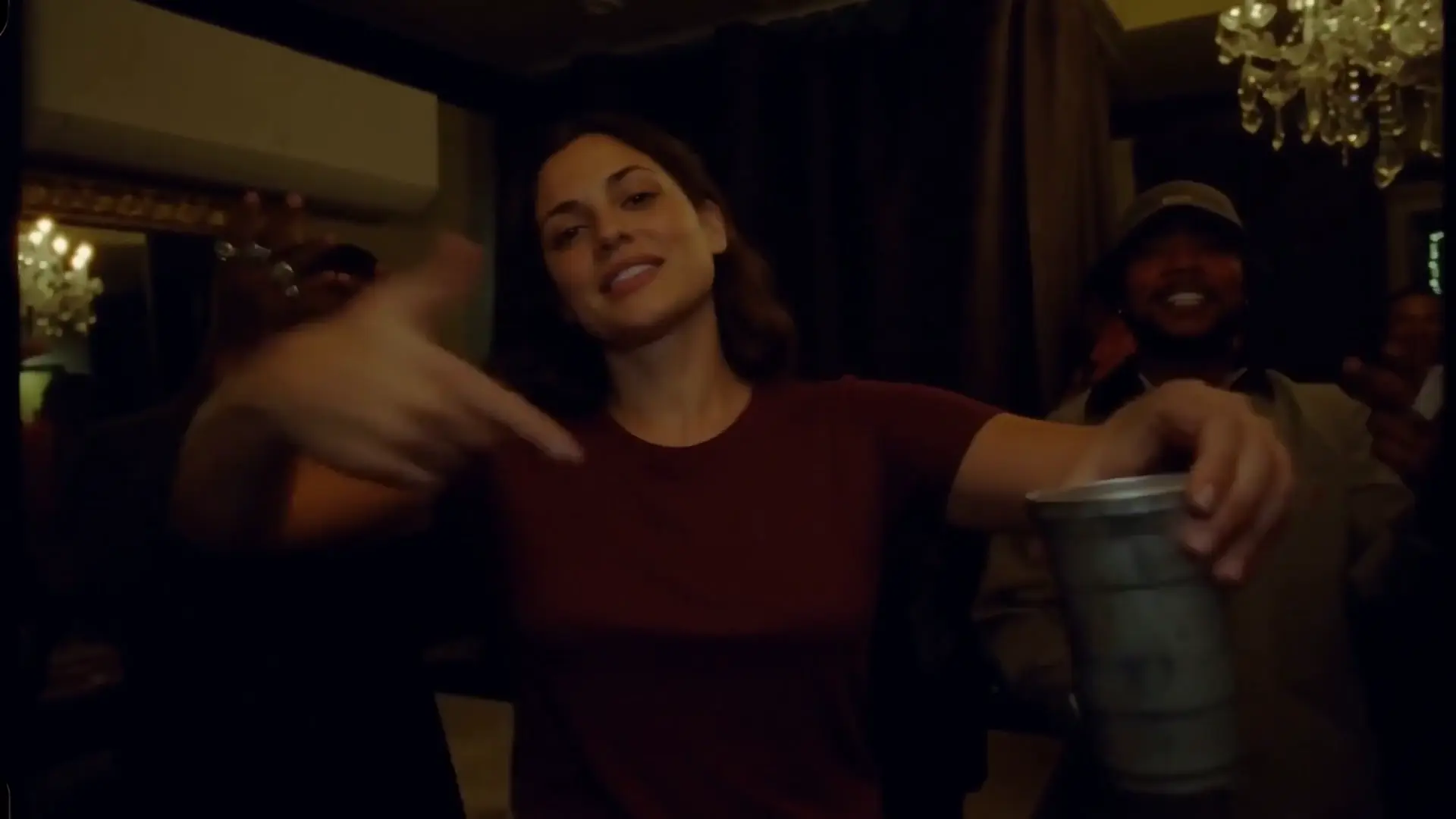
The close-up. The cup raise. The wave.
Give the group chat something to talk about.
Start with one clear portrait.
AI uses your face, hair and outfit to replace the main performer.
Your photo stays on your device until you confirm video creation.
For the best result, choose a clear photo of one person with their face fully visible.
Checking availability…
 Watch the example
Your photo. Your party moment.
One person, a clear face, a little room to move. A chest-up shot is a great place to start.
Sign in and buy generation credits. Confirm your photo to create a video using 1 credit.
Follow your video’s progress, review the result, and save it within 24 hours of submitting it.
 A FAMILIAR FEELING, A FRESH TAKE
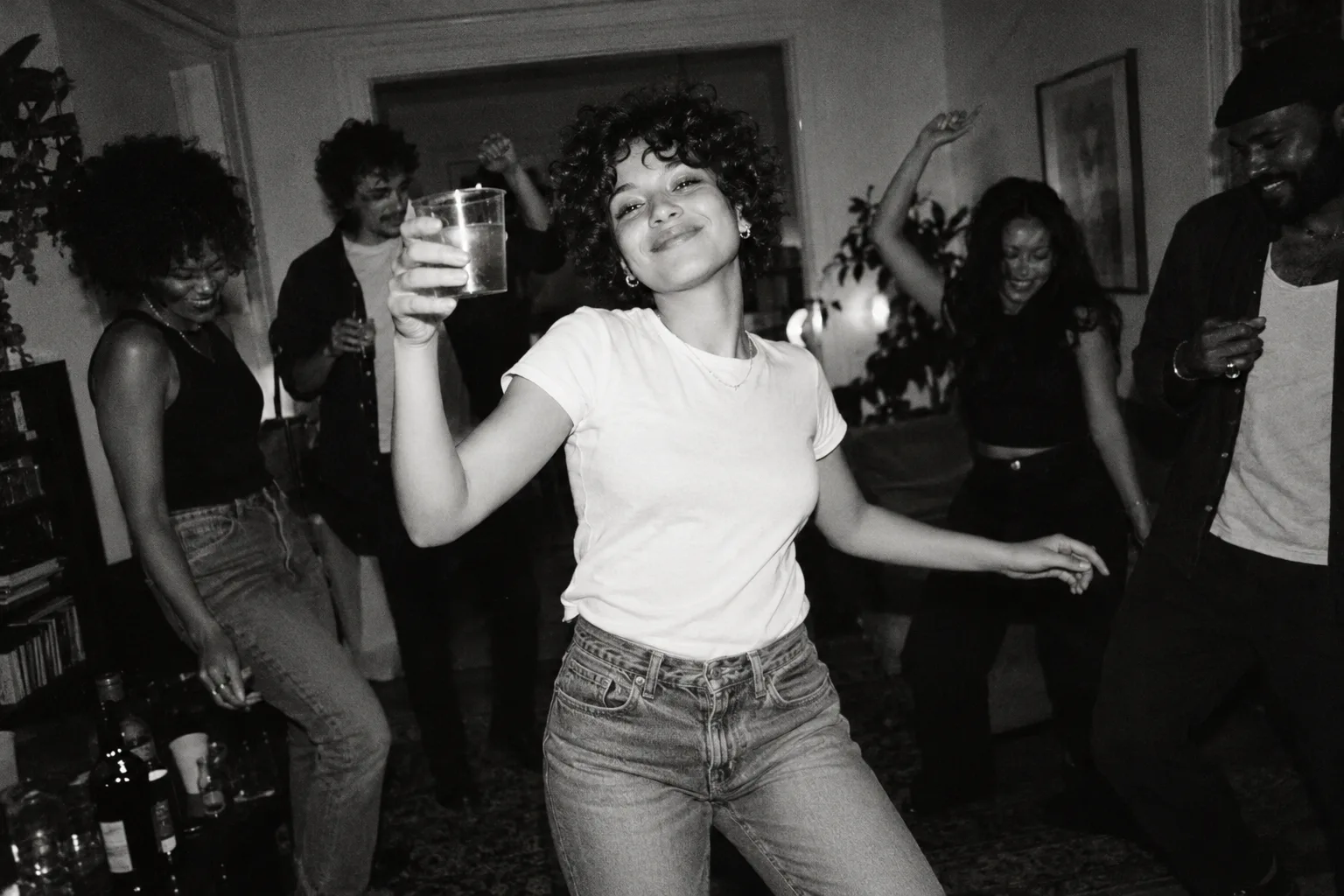
The Burning Bridges AI trend turns a recognizable party moment into something personal. The casual toast. The knowing look. The wave everyone remembers.
One photo puts your look at the heart of the party. Make a 23-second video to share with friends.
The Drake Burning Bridges trend, explained1 credit = one 23-second video.
One-time packs. No subscription.
$9.99
one video
One photo. Your own Burning Bridges moment.
Create one 23-second video$19.99
≈ $6.66 per video
Try three different looks, or make a video for a friend.
Create 3 separate 23-second videos$59.99
≈ $6.00 per video
Make a collection of moments for your whole group.
Create 10 separate 23-second videosIt is a remix trend inspired by the party scene associated with Drake’s “Burning Bridges.” Creators use AI to put a different person or character into a similar scene: a handheld close-up, a cup raise and a wave. Upload your portrait to replace the main performer in the studio’s 23-second scene.
Examples and photo tips are free. To create a video, sign in and buy generation credits. Each 23-second video uses 1 credit. Credit purchases are not available yet.
Our planned packs are $9.99 for 1 generation credit, $19.99 for 3 generation credits, $59.99 for 10 generation credits. Each credit creates one 23-second video. Sign in before purchasing. Prices are in USD, with no subscription. Credit purchases are not available yet.
AI uses your photo for the main performer’s face, hair and clothing, while the 23-second reference guides the movement and setting. Facial details, hands and transitions can vary.
Use a clear JPG or PNG of one person, with their face visible and no sunglasses. A chest-up photo with room for hand movement works best. Choose an image at least 300 pixels wide and tall, up to 10 MB. Avoid very narrow or panoramic photos.
The finished video keeps the audio from the 23-second reference so the timing stays together. Check the music permissions for the platform and account where you share it.
Your photo stays on your device until you confirm video creation. Only your signed-in account can access your saved video, for 24 hours after submission. See our Privacy page for how photos and videos are processed and stored.
Yes, if they have agreed and you have permission to use their photo. Make it clear that the result is AI-generated when sharing it.